Monthly Budget Template for Google Sheets & Microsoft Excel
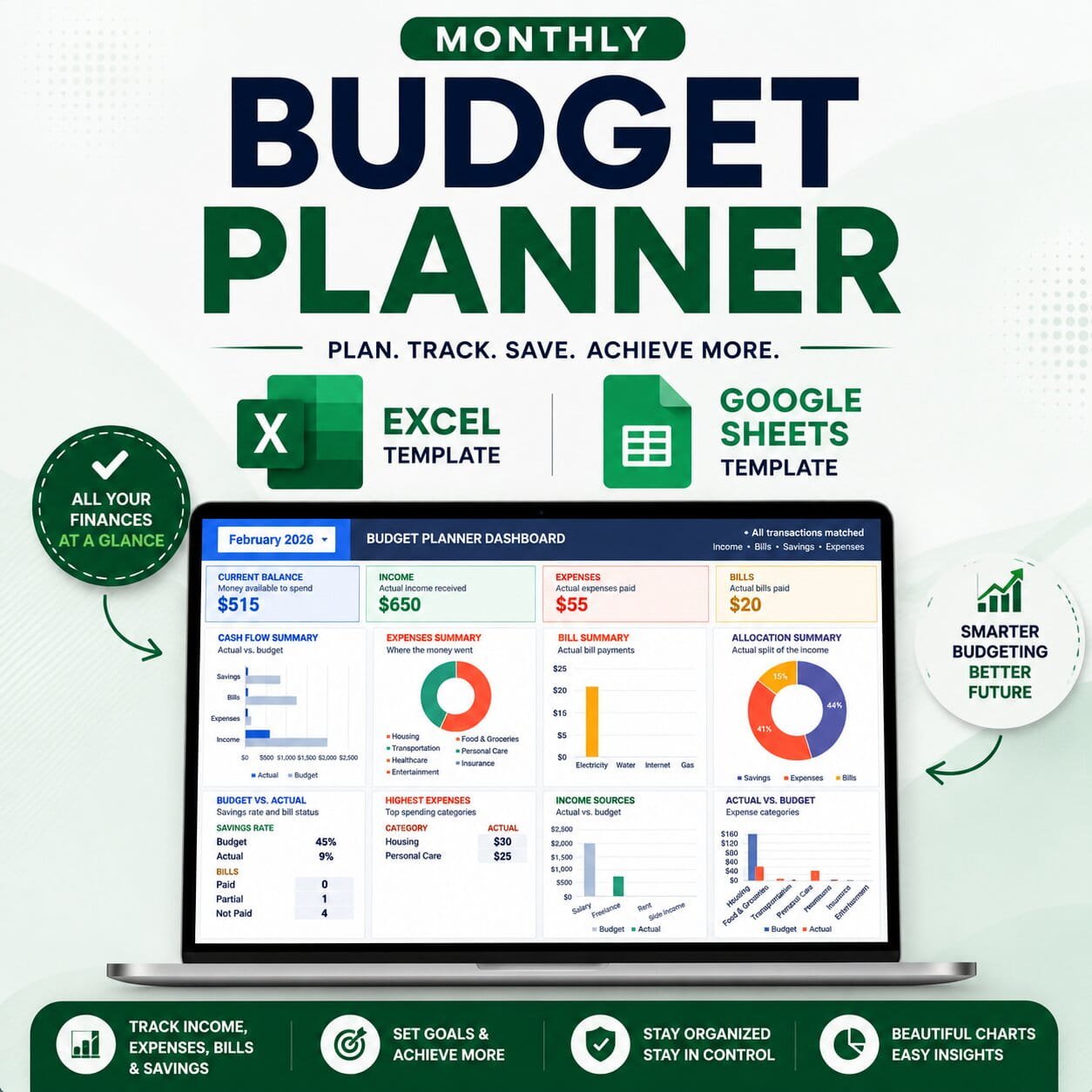
Take control of your finances with this complete monthly budget template designed for Google Sheets and Microsoft Excel. This all-in-one budget planner helps you plan your monthly budget, track income and expenses, manage bills, monitor savings goals, and understand your spending through an easy-to-read dashboard.
Whether you manage a personal budget, household finances, or simply want a better way to track your money, this budget spreadsheet keeps everything organized in one place.
What’s Included
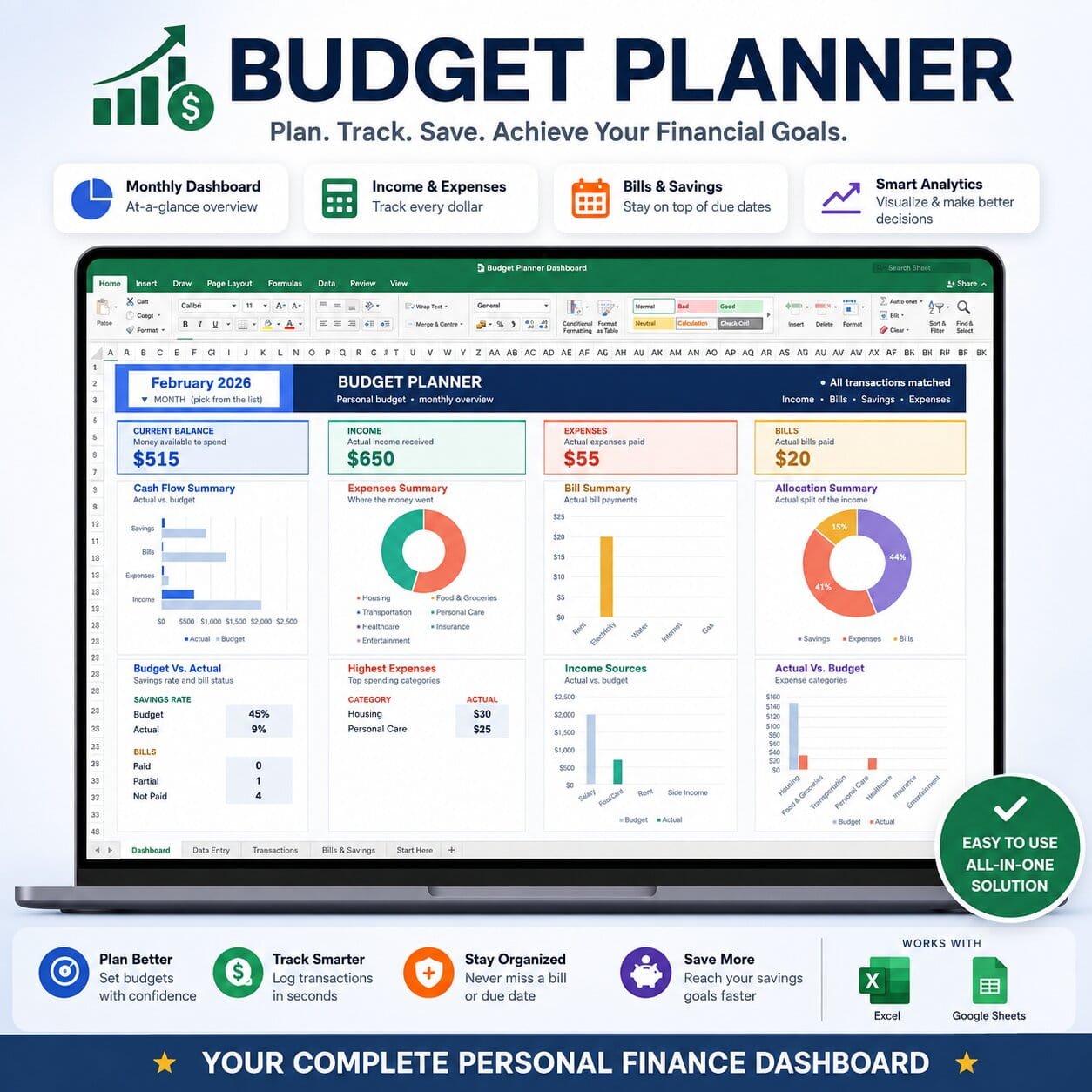
- Monthly Budget Dashboard – See your balance, income, expenses, bills, savings, and key financial numbers at a glance.
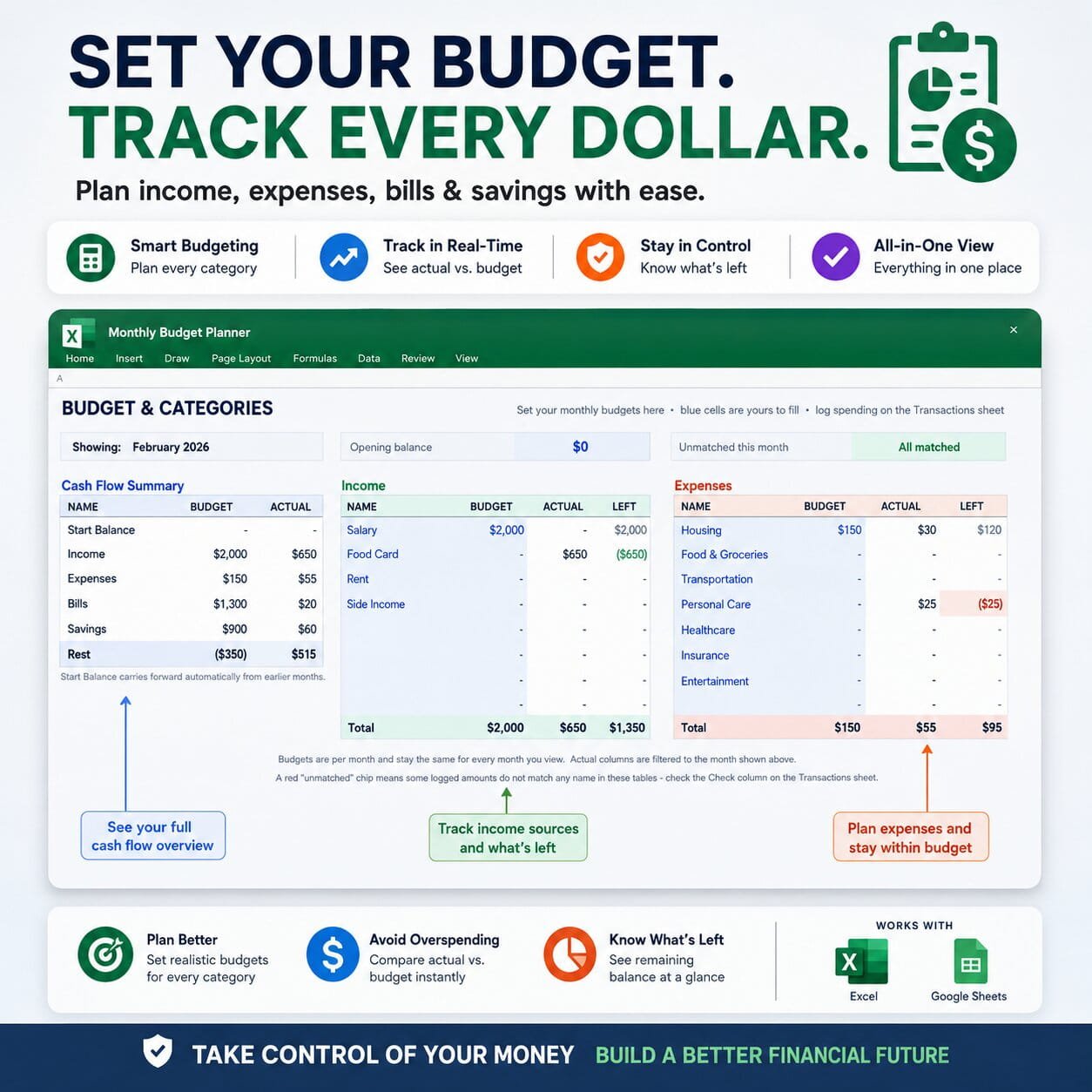
- Budget & Categories – Set monthly budgets for income and expense categories and compare your budget with actual spending.
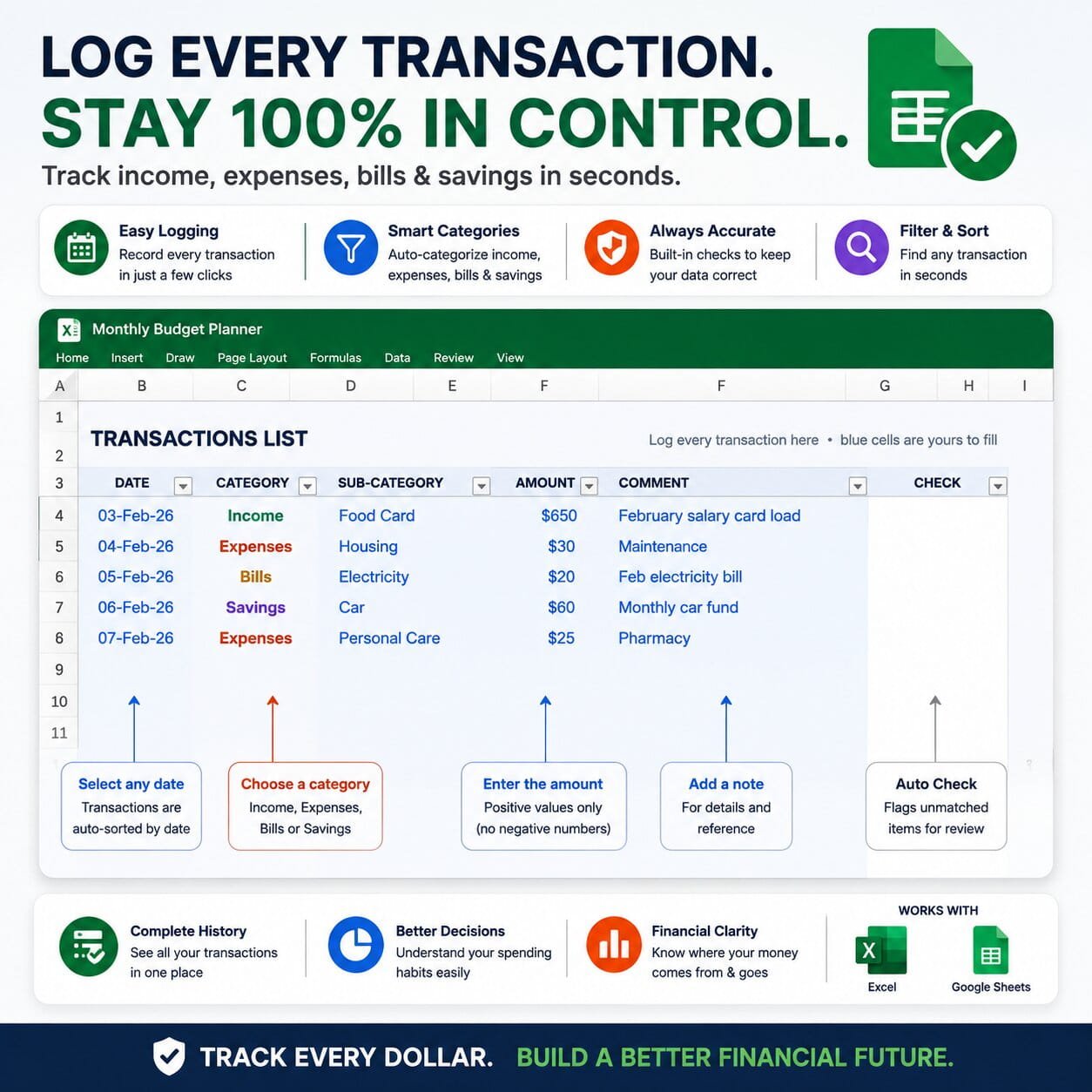
- Transactions Tracker – Log income, expenses, bills, and savings with dates, categories, amounts, and notes.
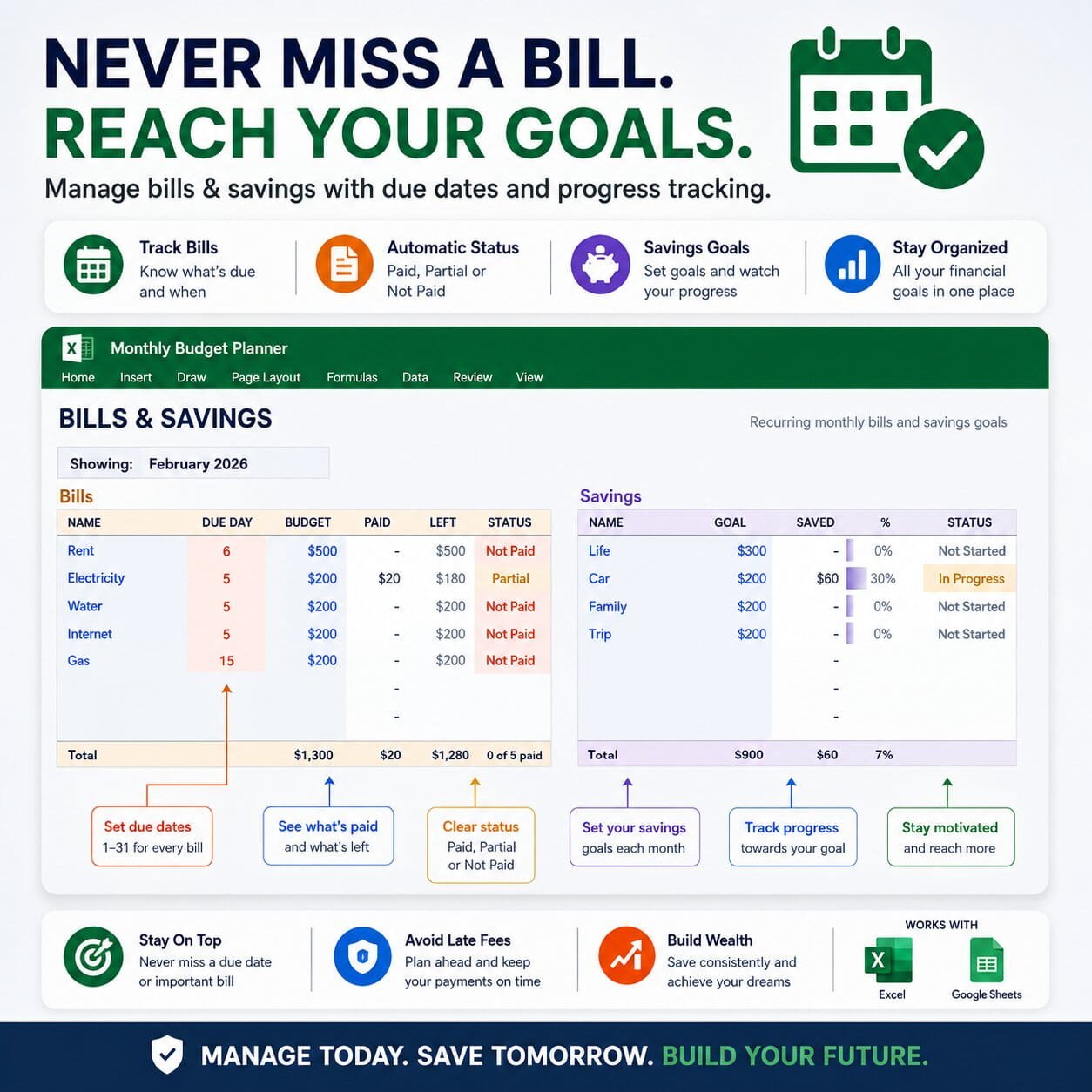
- Bills Tracker – Add recurring bills, due dates, budget amounts, payments, and payment status.
- Savings Goals Tracker – Set savings goals, track how much you’ve saved, and monitor your progress.
- Cash Flow Summary – See how your money is coming in and where it is going.
- Budget vs. Actual Tracking – Quickly compare planned amounts with your actual income and expenses.
- Automatic Dashboard Charts – Visualize expenses, income sources, bills, savings, and spending categories.
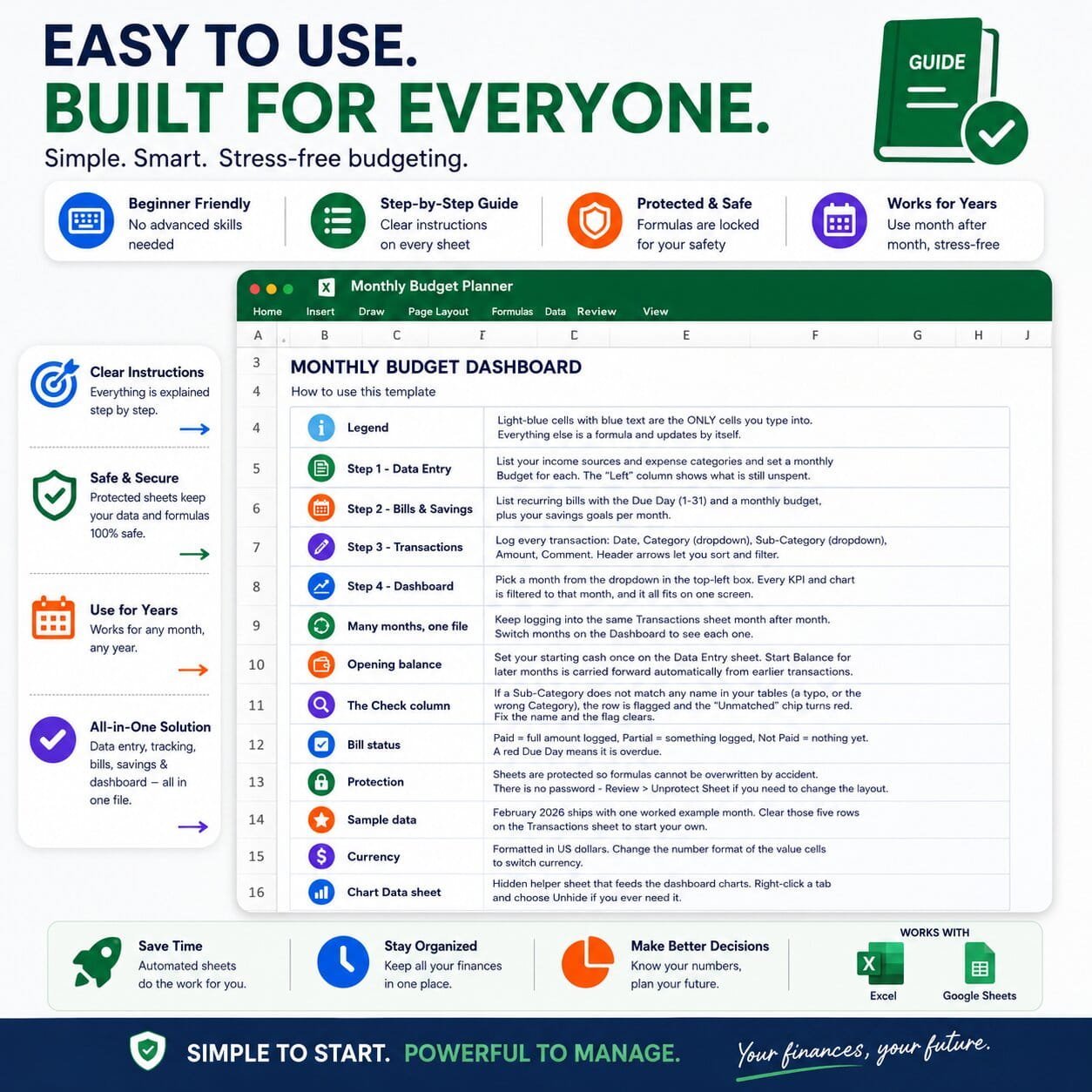
- 12-Month Tracking – Keep using the same file throughout the year and switch between months from the dashboard.
- Built-in Guide – Step-by-step instructions make the template easy to set up and use.
- Protected Formulas – Important formulas are protected to help prevent accidental changes.
Google Sheets & Excel Budget Template
Both formats are included: a Google Sheets budget spreadsheet and a Microsoft Excel budget spreadsheet. Use the Google Sheets version directly in Google Drive or use the Excel version with Microsoft Excel.
This monthly budget planner is designed to make budgeting easier while giving you a clear picture of your financial situation.
Perfect For
- Personal budgeting
- Household budgeting
- Monthly expense tracking
- Income and expense management
- Bill tracking
- Savings goal tracking
- Financial planning
- Anyone looking for a simple monthly budget spreadsheet
How It Works
- Set your income sources and monthly budget categories.
- Add your bills and savings goals.
- Log your transactions as you spend or receive money.
- Select the month you want to review.
- Use the dashboard to understand your income, expenses, bills, savings, and remaining balance.
This monthly budget template gives you a simple way to organize your finances, track your spending, stay on top of bills, and work toward your savings goals—all from one Google Sheets or Excel budget template.

Reviews
There are no reviews yet.